Canvassing
Draw territories by hand on the map, give each one to a rep or a team, and keep every door knocked on the same map, so the next visit starts where the last one stopped.
ServiceFlow IQ is AI-native field service software for residential trade contractors. Dispatch, pricebook, estimates, invoicing, canvassing and the crew app in one place — with unlimited users at every tier and no implementation fee.
Book a 20-minute walkthrough, or set up your company and look around yourself.
Works with the tools you already run
What you get
Thirteen modules, one price, and a setup that finishes the day you start — not the quarter you start.
Dispatch
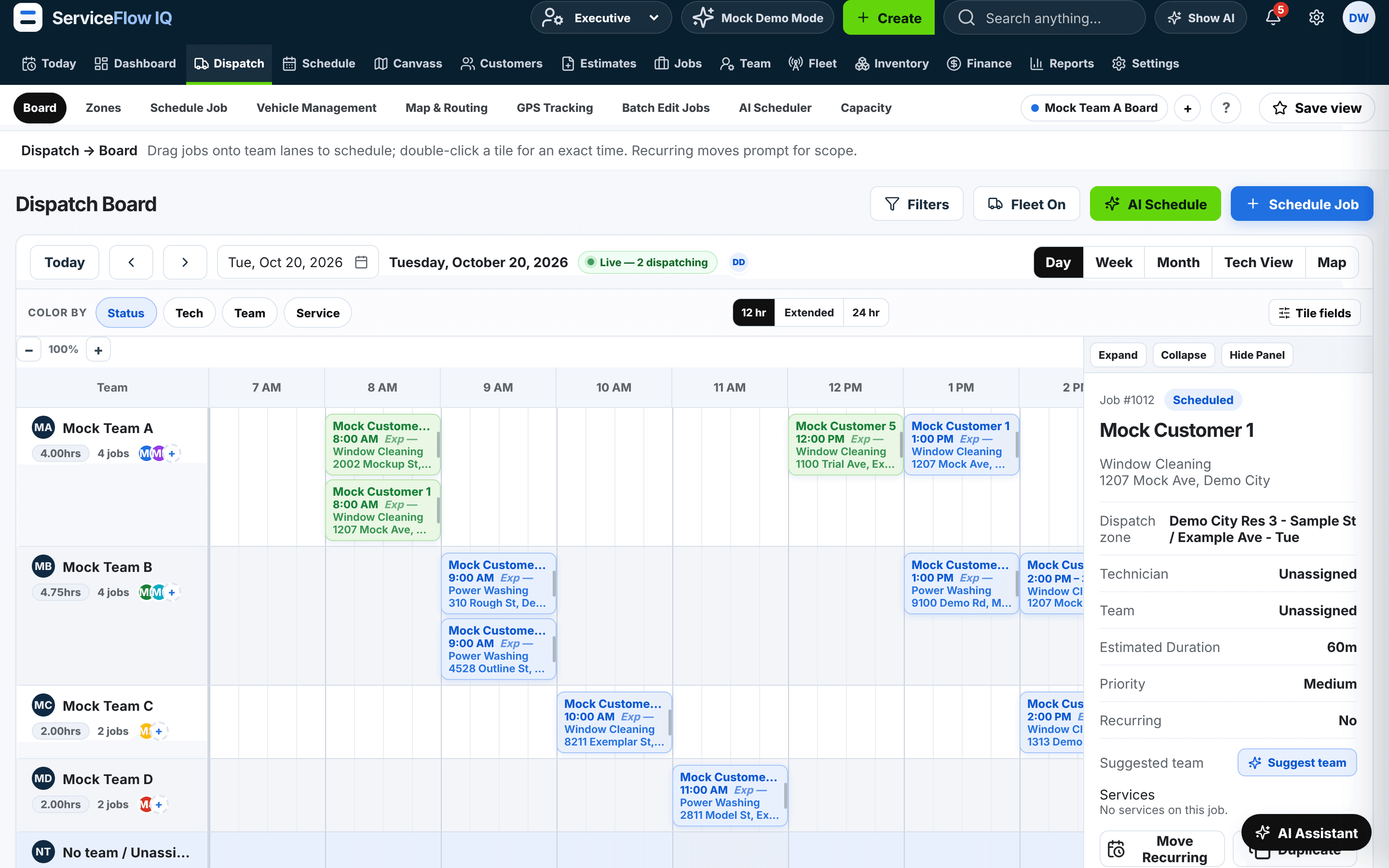
Drag jobs across a live board by technician or team, see where your crews are on the live map, and let the AI suggest who takes each open job.
Pricebook & sold hours
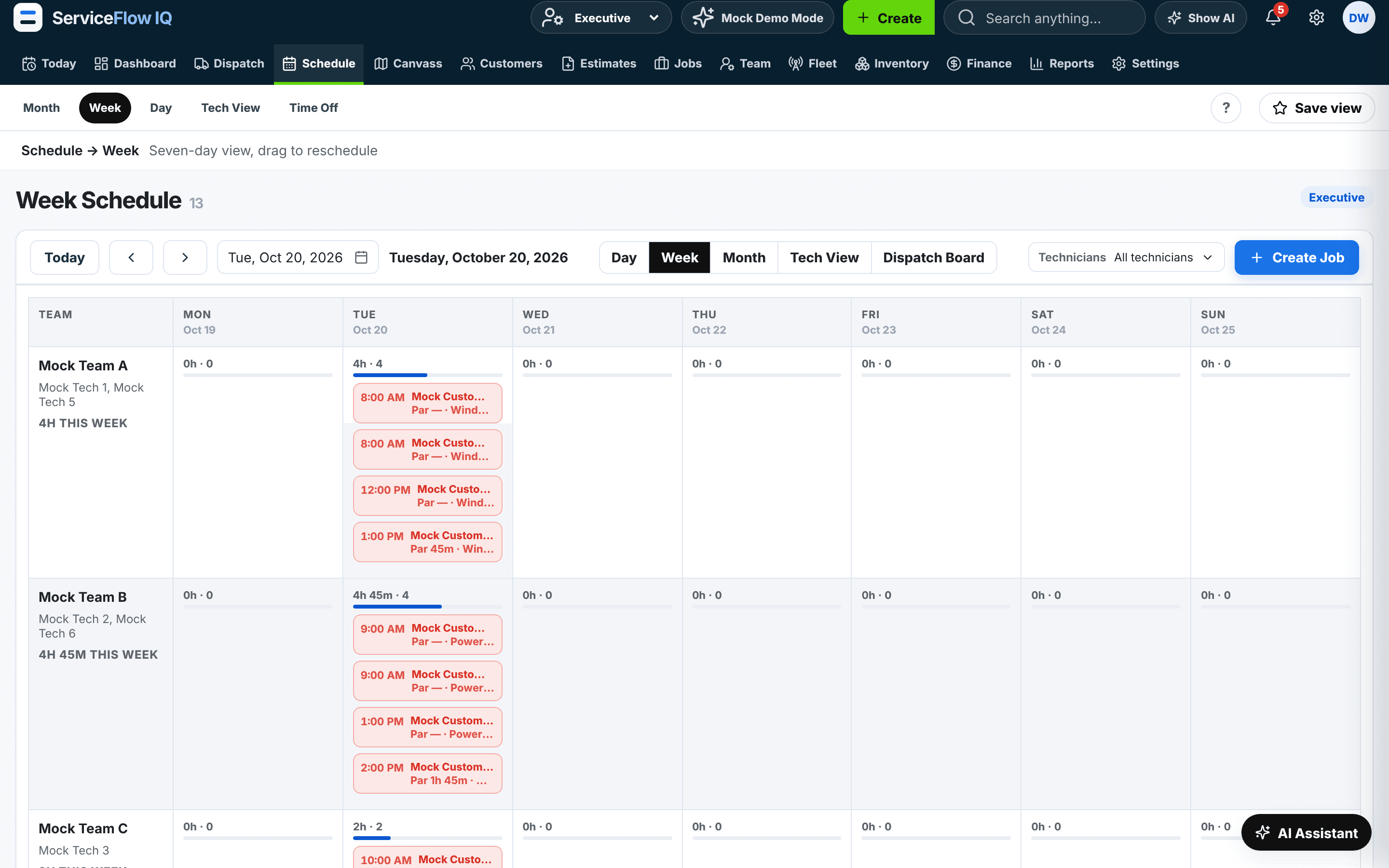
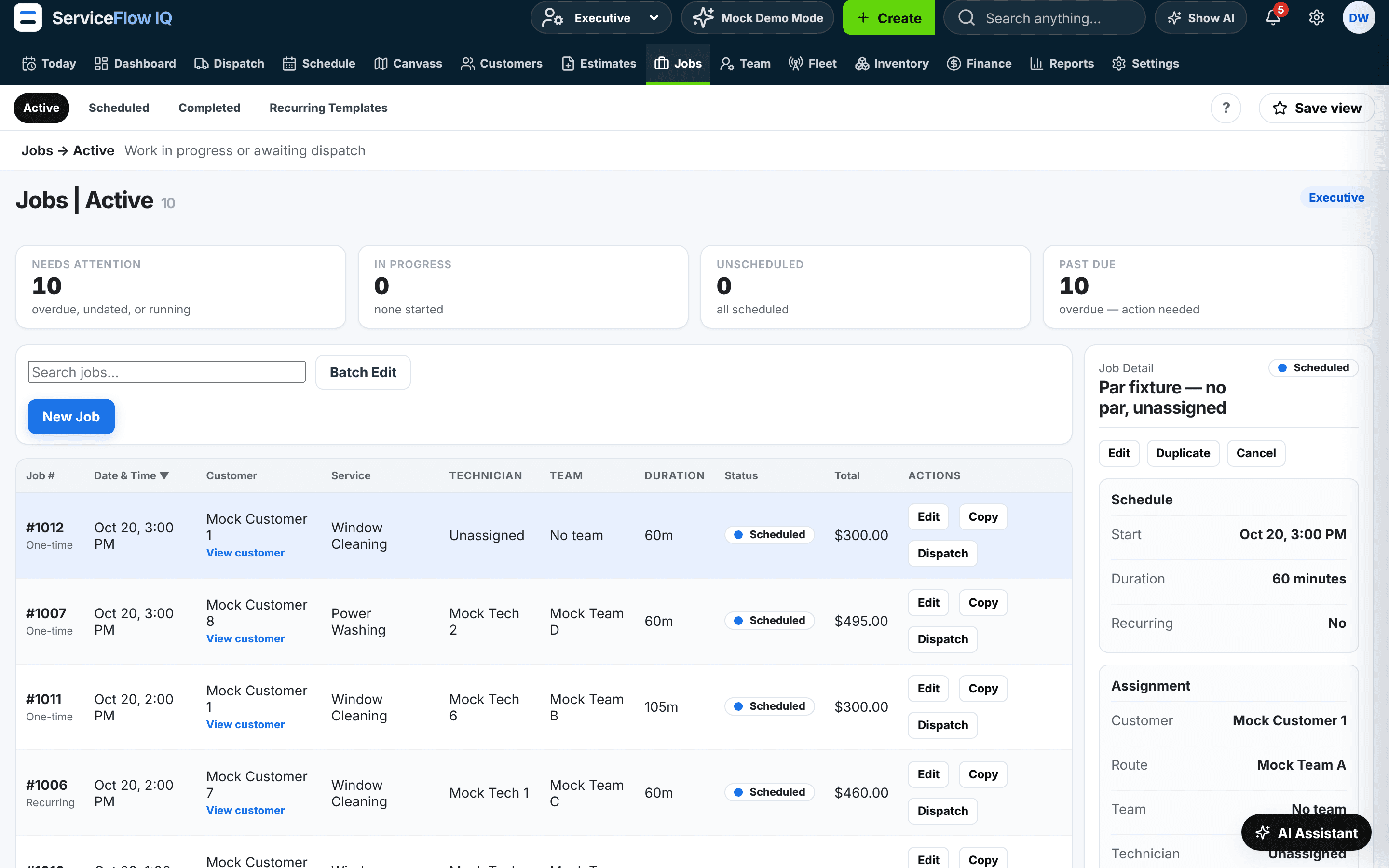
Every pricebook item carries sold hours. A job's duration is the sum of its lines, multiplied by the assigned technician's pace for that category — so the estimate a dispatcher sees reflects who is actually going.
Estimates to cash
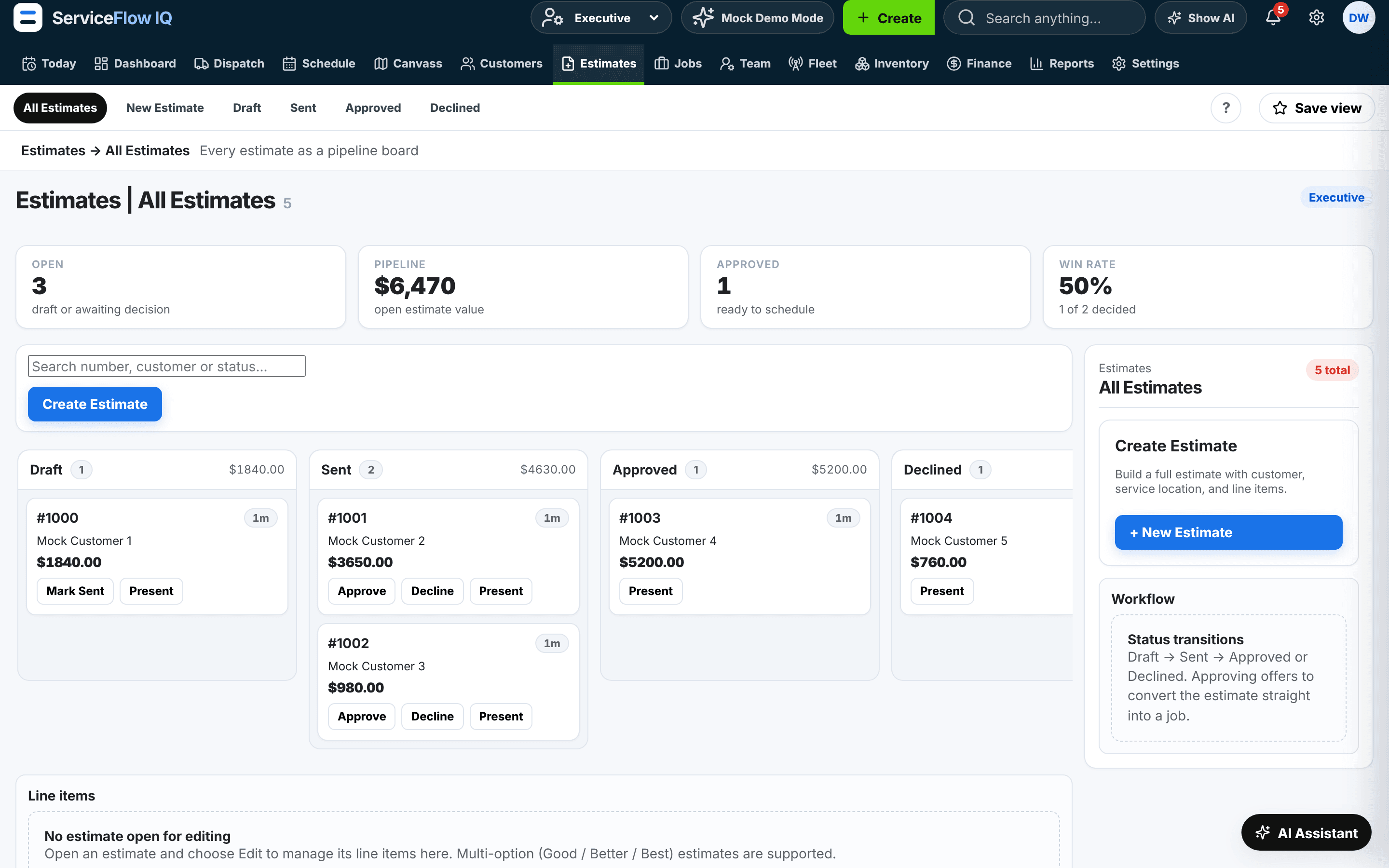
Build Good/Better/Best options, send them to a customer portal where they can approve, convert straight to a job, and take payment online by card.
Reporting
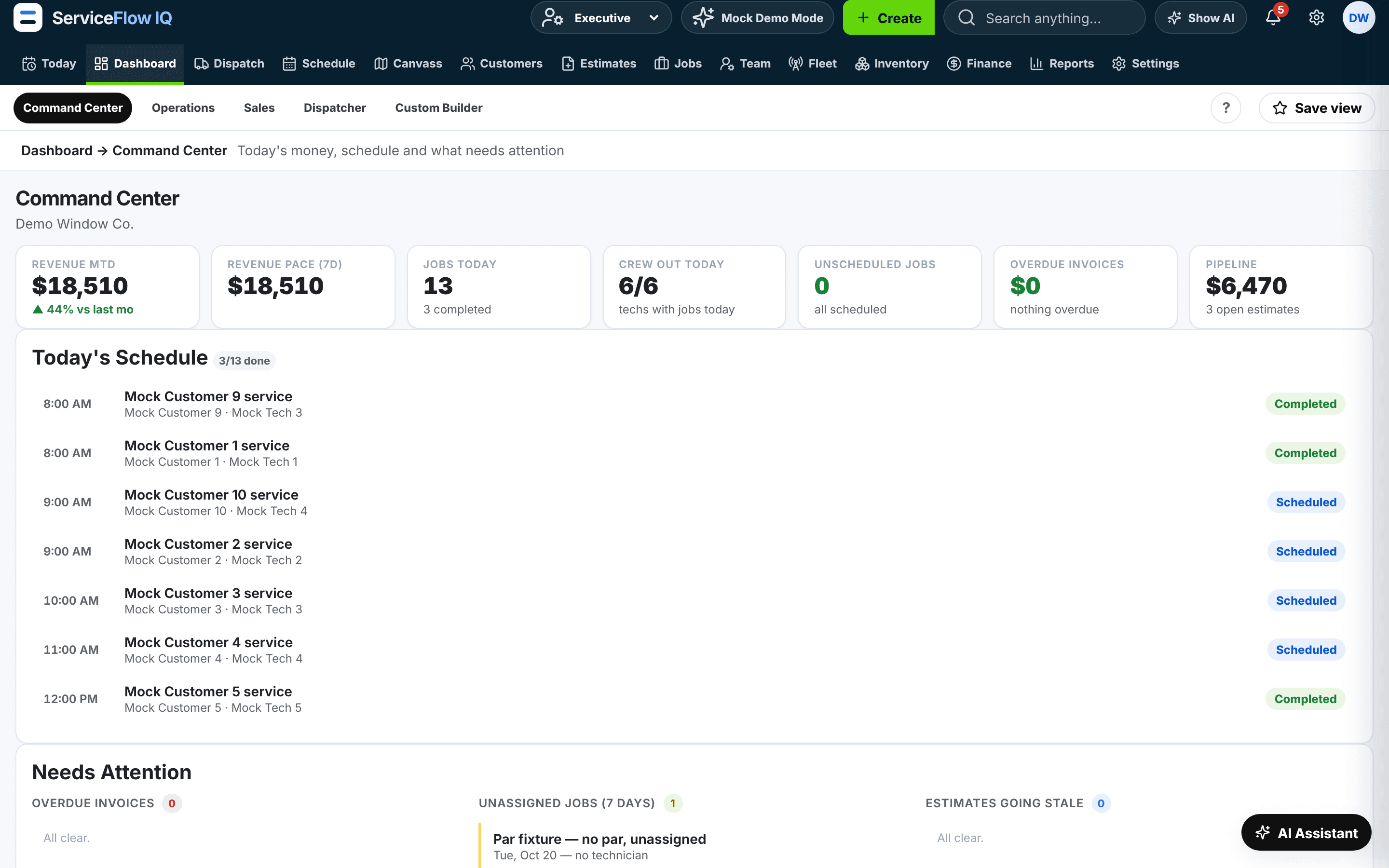
Revenue, pipeline and fleet on a dashboard for each role, plus 13 built-in reports and a builder for the ones we did not think of. Scheduled reports arrive by email.
And the rest of it
Everything below is included in the tier. There is no add-on catalogue.
Draw territories by hand on the map, give each one to a rep or a team, and keep every door knocked on the same map, so the next visit starts where the last one stopped.
Trucks, drivers, maintenance, running costs and documents, in one place.
Stock with reorder points, and a loadout for each truck that says what it should carry, checked against what is in stock.
Service plans with renewal tracking. Each plan invoices on its own terms, and its visits follow the first one you book.
Online requests from your own website: a form you embed or link to. Each one lands with your office to schedule, and the right people are emailed at once.
Multi-step follow-up sequences across email, SMS and call reminders. Unanswered estimates and overdue invoices start their own; enroll anyone else by hand.
Rate lookup by service location with fee and discount rules, and a sales tax summary report that reconciles.
A REST API over customers, jobs, estimates and invoices, keys you mint yourself, and HMAC-signed webhooks.
Switching
Most of our conversations start here. Both paths are supported, and neither requires you to stop taking calls.
You are past fifteen employees, the per-user line keeps climbing, and reporting stops exactly where your questions start. Sold hours are not a concept. Memberships live in a spreadsheet.
The depth is real and so is the overhead — the per-technician seat cost, the implementation project, the contract length, and the add-on modules that keep arriving with their own line items.
Because charging per seat punishes the thing you are trying to do, which is grow. Bring the whole company — front office, dispatchers, technicians, salespeople, the owner — for one tier price. It is not a promotion; there is no seat metering anywhere in the product.
There is no implementation fee and no professional-services engagement. The setup wizard starts your service categories, customer and lead statuses, and a price list with a time on every item from your trade, so a new company is usable the same day.
Yes, on every plan. Paste your own Anthropic key into the AI assistant and its answers bill to your Anthropic account instead of ours. If you would rather not manage keys, managed AI is included.
An installable PWA. Technicians add it to the home screen on iOS or Android and it runs standalone with its own icon — no app store, no install friction, and always the current version. Offline write queuing and native store builds are on the roadmap, not shipped.
Yes. The importer in Settings brings customers with their addresses and contacts, a price book and canvass leads from a CSV file, and job history from Service Fusion. It says how to export from ServiceTitan, Jobber and Housecall Pro. On the Scale tier the migration is white-glove.
A public REST API with keys you mint yourself from the developer portal, plus HMAC-signed webhooks. Rate limits are 600 GET and 120 POST per minute per key.
Book a walkthrough and we will show you your own numbers in it, or set up your company and start clicking.