Six views, one dataset
Day, week, month, technician columns, dispatch grid and map. Change something in one and it is changed in all of them, live over WebSocket.
Dispatch & scheduling
One surface for the whole day — drag work between technicians, see where your crews are, and see the conflicts before the customer calls about them.
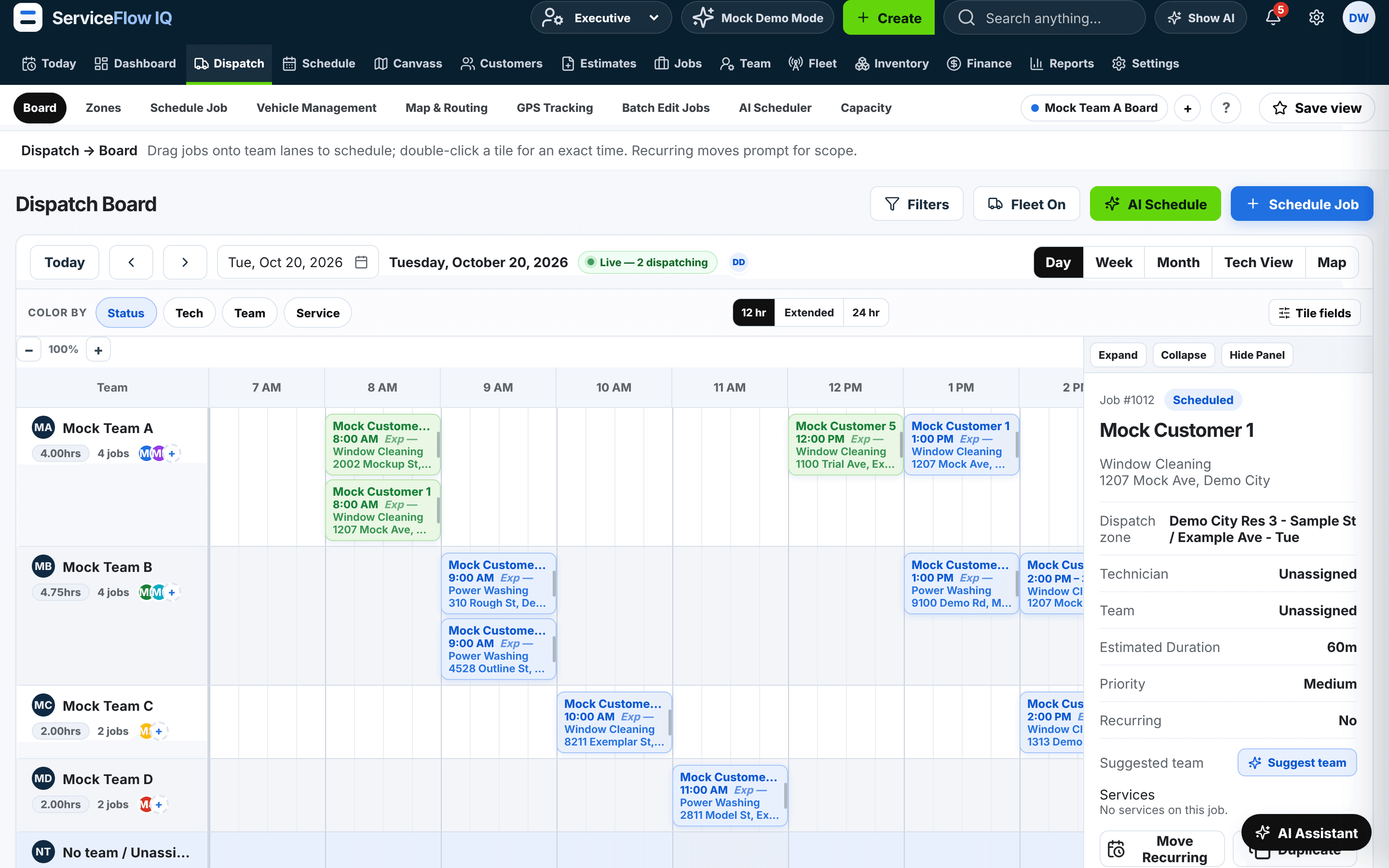
Day, week, month, technician columns, dispatch grid and map. Change something in one and it is changed in all of them, live over WebSocket.
Durations come from the pricebook and the assigned technician's pace, so a slot is the length the work actually takes rather than a default hour.
For each open job the AI suggests a technician, with a score and its reason, from the job's service and who did recent work. A dispatcher decides.
Yes. The board is fed over WebSocket, so a change one dispatcher makes appears on every other open board without a refresh.
Technicians get the crew app at /field, which shows their day only. They never see the full dispatch board.
Twenty minutes, screen-shared, your trade's pricebook already loaded.